Compress image
A smaller file. Ready to upload.
Drop an image here
JPG or PNG · One image · Up to 20 MB
Compression is lossy. Check small text and fine detail before using the result.
Your image stays on your device.
Less weight. Same job.
Choose a photo or scan, set the file-size limit of your form, then download the result. The original is never changed.
Does my image get uploaded?
No. Compression runs in this browser. There are no image uploads, ads or analytics in this version. Only your language choice is saved on this device.
What should I know?
This tool supports single, still JPG and PNG files up to 20 MB and 24 megapixels. Output is always JPG. Animated files, HEIC, GIF, WebP and SVG are not supported. A very small target can reduce detail or may not be achievable. Switching languages clears the current image.
Set a file-size limit, not a promise of perfect quality
- Choose one still JPG or PNG from your device.
- Enter a whole-number target from 10 to 20,000 KB. Use 100, 200 or 500 KB as a starting point.
- Allow smaller dimensions if the upload limit is strict. Compress, inspect the full-size result, then download the JPG.
What this compressor does
- Input: one JPG or PNG, up to 20,000,000 bytes, 24 megapixels and 16,384 pixels per side.
- Output: lossy JPG. Transparent PNG areas become white. No batch processing, HEIC, animated PNG, GIF, WebP or SVG.
- The target is an upper limit, not an exact output size. If it cannot be reached within the search limits, the result is labelled accordingly.
- Your original file is not changed. Smaller dimensions and lower JPEG quality can remove detail. Check scans and small text before use.
KB, KiB and pixels: what is the difference?
Here, 1 KB is 1,000 bytes. A 200 KB target is 200,000 bytes; 200 KiB is 204,800 bytes. Pixels describe width and height, not file size. Check both requirements on the form receiving your image.
Why can two targets give the same result?
The compressor tries a bounded set of quality levels and stops at the first result within the limit. A result below 200 KB may also be the first result below 500 KB. It does not pad files to match a target.
When should I keep the original?
Keep it when the result is larger, small text becomes unreadable, or transparency is needed. This tool does not guarantee acceptance by another website.
Measured example
Our generated illustration, not a personal photo. Download the source and results to compare. These are measurements from the listed browser, not predicted results for your files. Other browsers may encode differently.
Source PNG: 515,174 bytes · 960 × 640 px
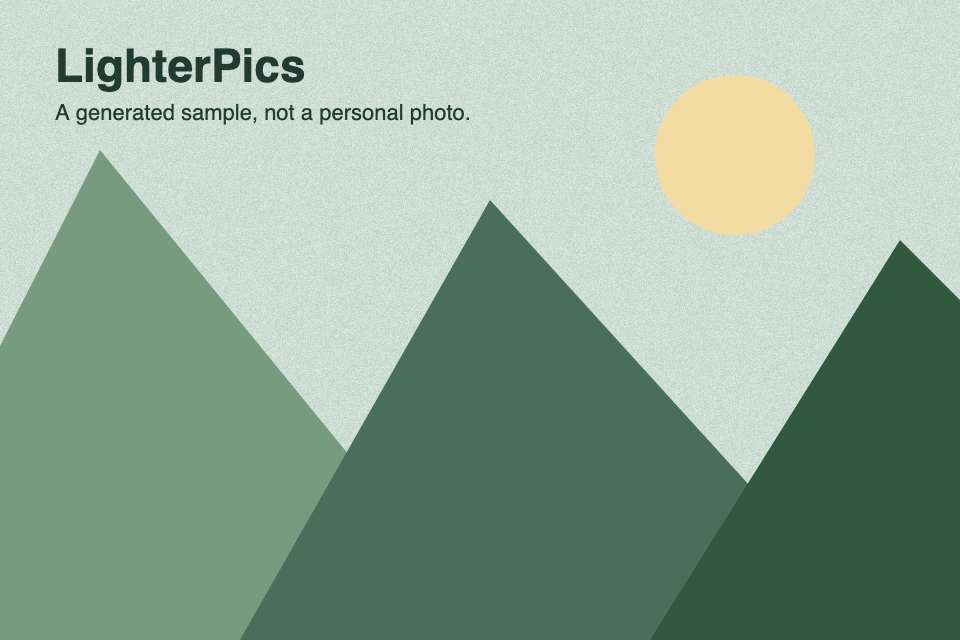
Target: 100 KB
Result JPG
58,351 bytes
Pixels: 960 × 640
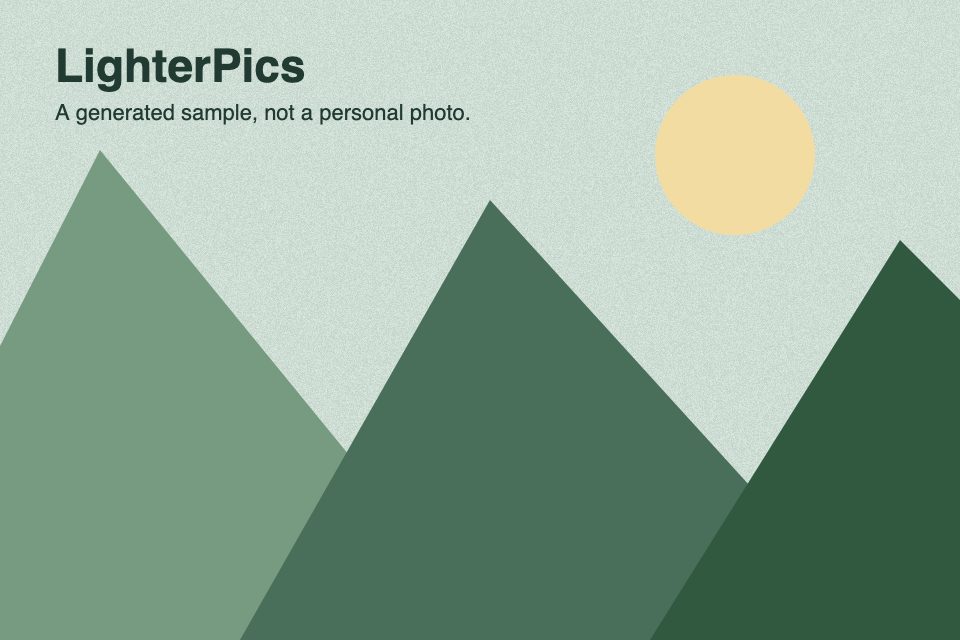
Target: 200 KB
Result JPG
105,044 bytes
Pixels: 960 × 640
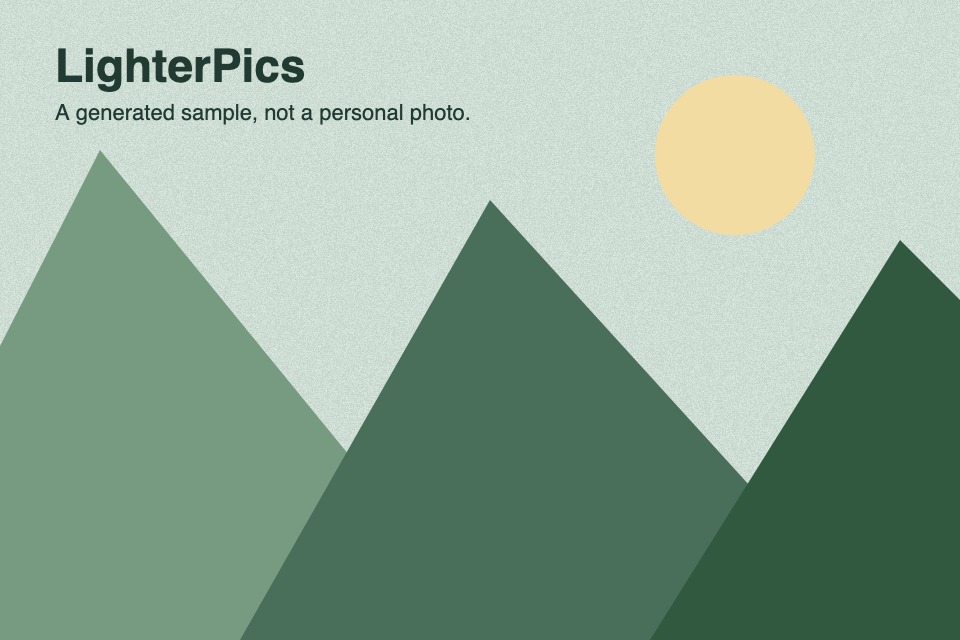
Target: 500 KB
Result JPG
105,044 bytes
Pixels: 960 × 640
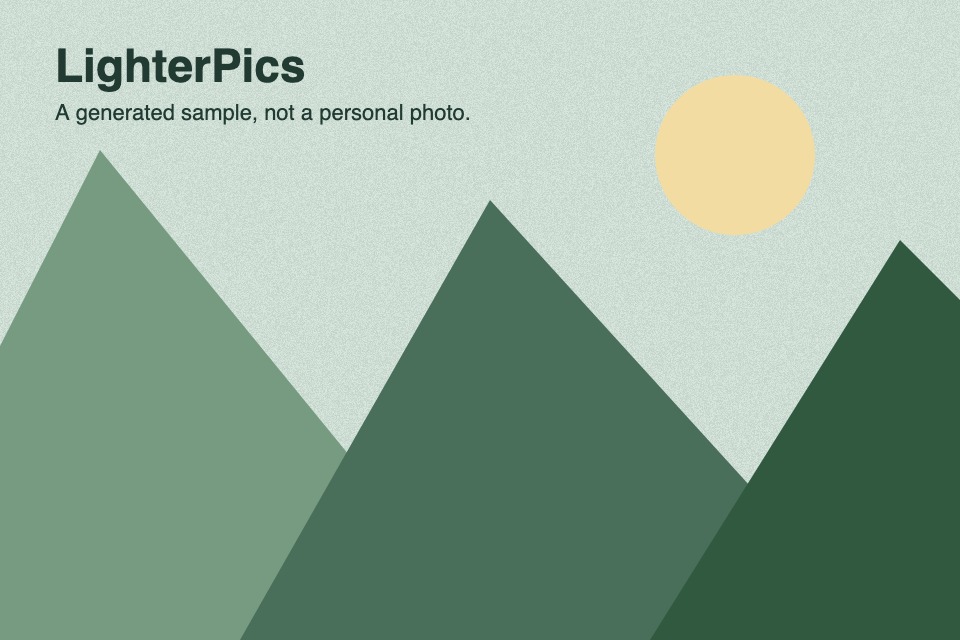
Measured: · Chromium 145.0.7632.6